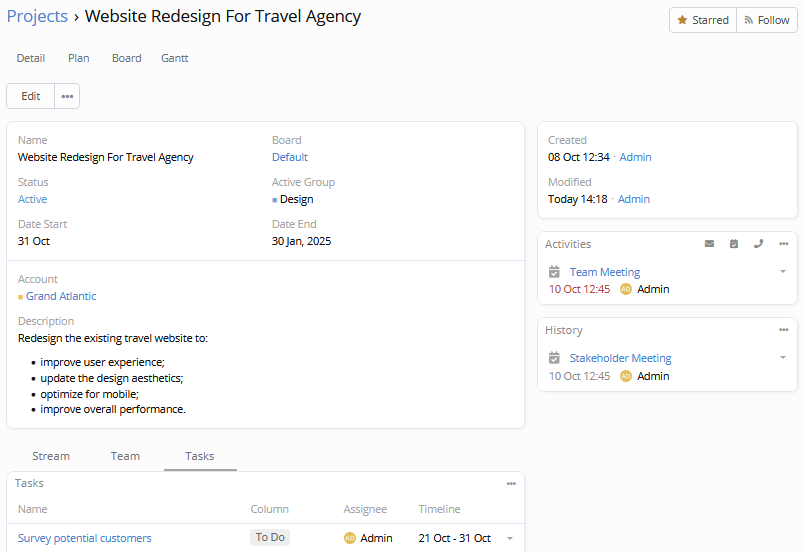
The Projects feature is available in the Project Management extension.
A project organizes tasks, sub-tasks, and milestones that need to be completed to achieve the desired result, create a new product or service. A project can be a temporary initiative with a start date and an end date, moving from planning to completion within a defined timeline. A project can also be open-ended, spanning years or even decades.
The projects feature allows multiple employees to work on different aspects of the project, track progress in real-time, and meet deadlines on schedule. It provides the ability to plan and structure tasks and sub-tasks clearly, define dependencies between them, and keep track of essential communications such as meetings, calls, and emails.
Projects integrate with other tools, such as reports, BPM, and workflows, enabling project managers and clients to access in-depth analytics and automate repetitive processes.
Why you might need it
No system switching
When project management is part of your CRM, your team does not need to switch between separate tools.
Flexible access control
The project management extension introduces fine-grained access control, allowing the same users to have completely different access rights across different projects. For example, you can allow a user to assign tasks to other users even if that user does not have assignment permissions in the CRM. Or you can make a particular user a manager within a specific project while keeping that user’s rights limited in the CRM.